
Unlimited contact management
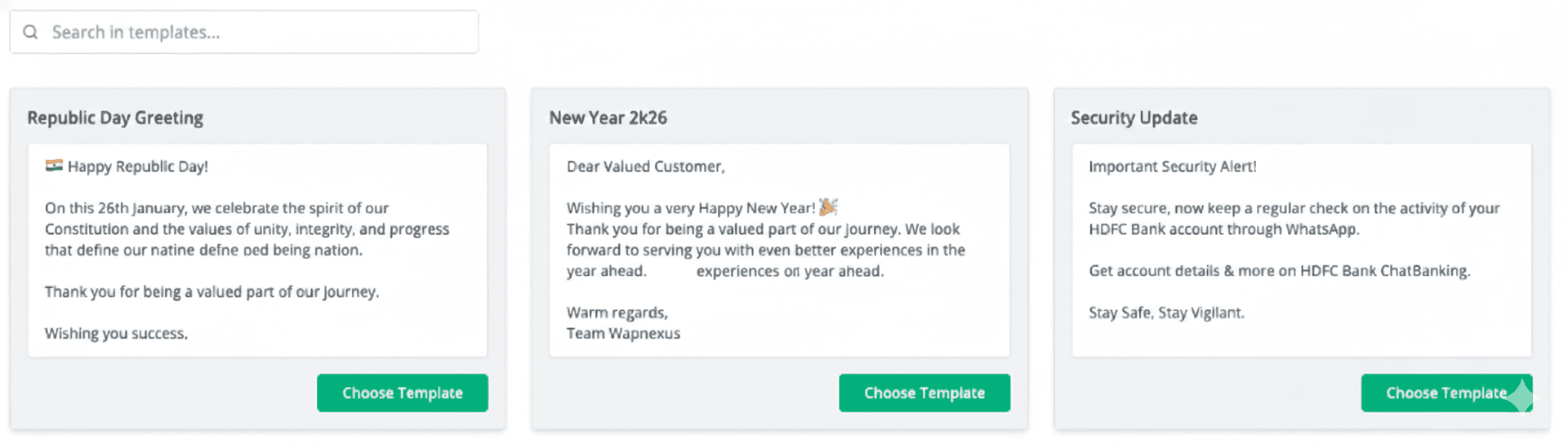
Add leads and customers without contact limits, then reach selected audiences with approved broadcast messages.
Tap into the world’s most popular messaging platform using the Official WhatsApp Business API. Seamlessly automate your campaigns and scale your marketing efforts to drive massive engagement and up to 150X ROI.
Powered by Official WhatsApp Business API

Broadcasting toolkit
Improve campaign efficiency, engagement, and results with a workflow designed for scale.
Add leads and customers without contact limits, then reach selected audiences with approved broadcast messages.
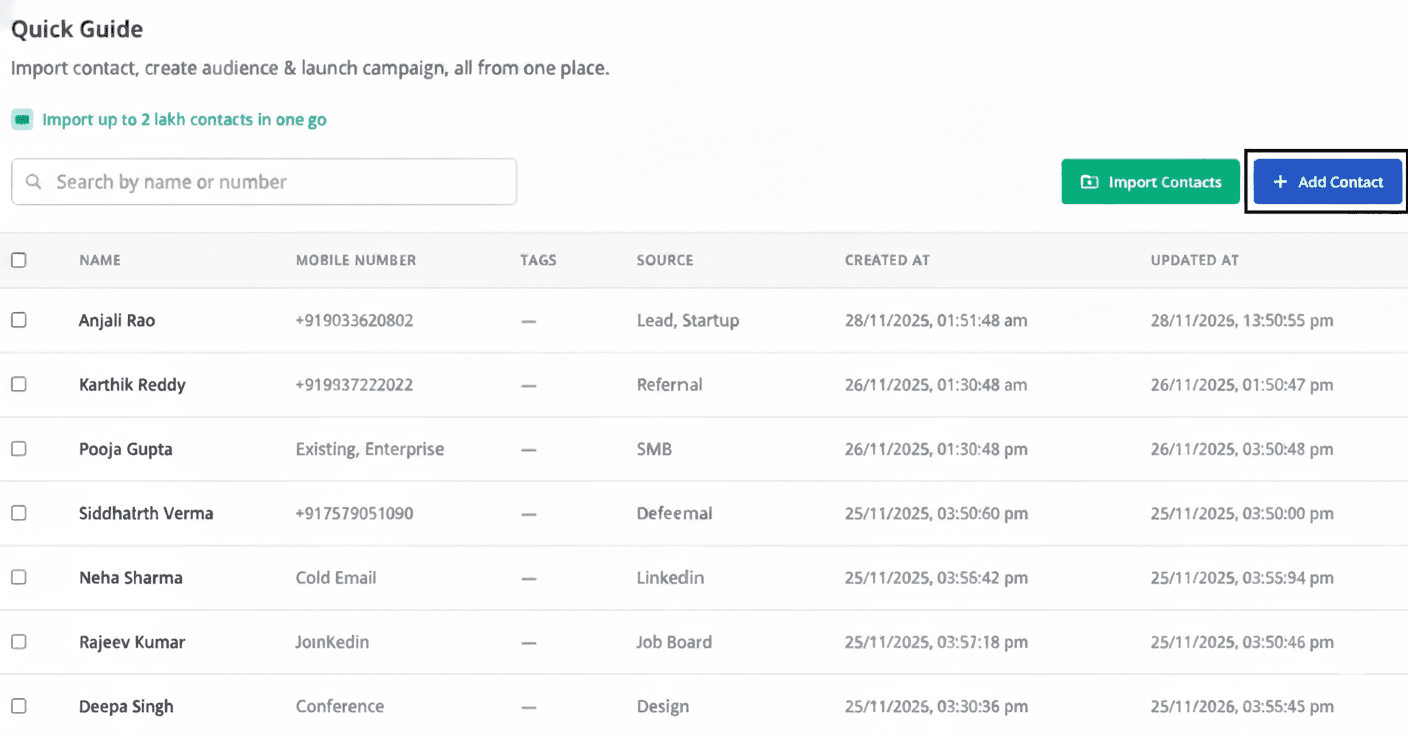
Choose verified templates or submit custom designs for approval to keep outreach compliant and effective.
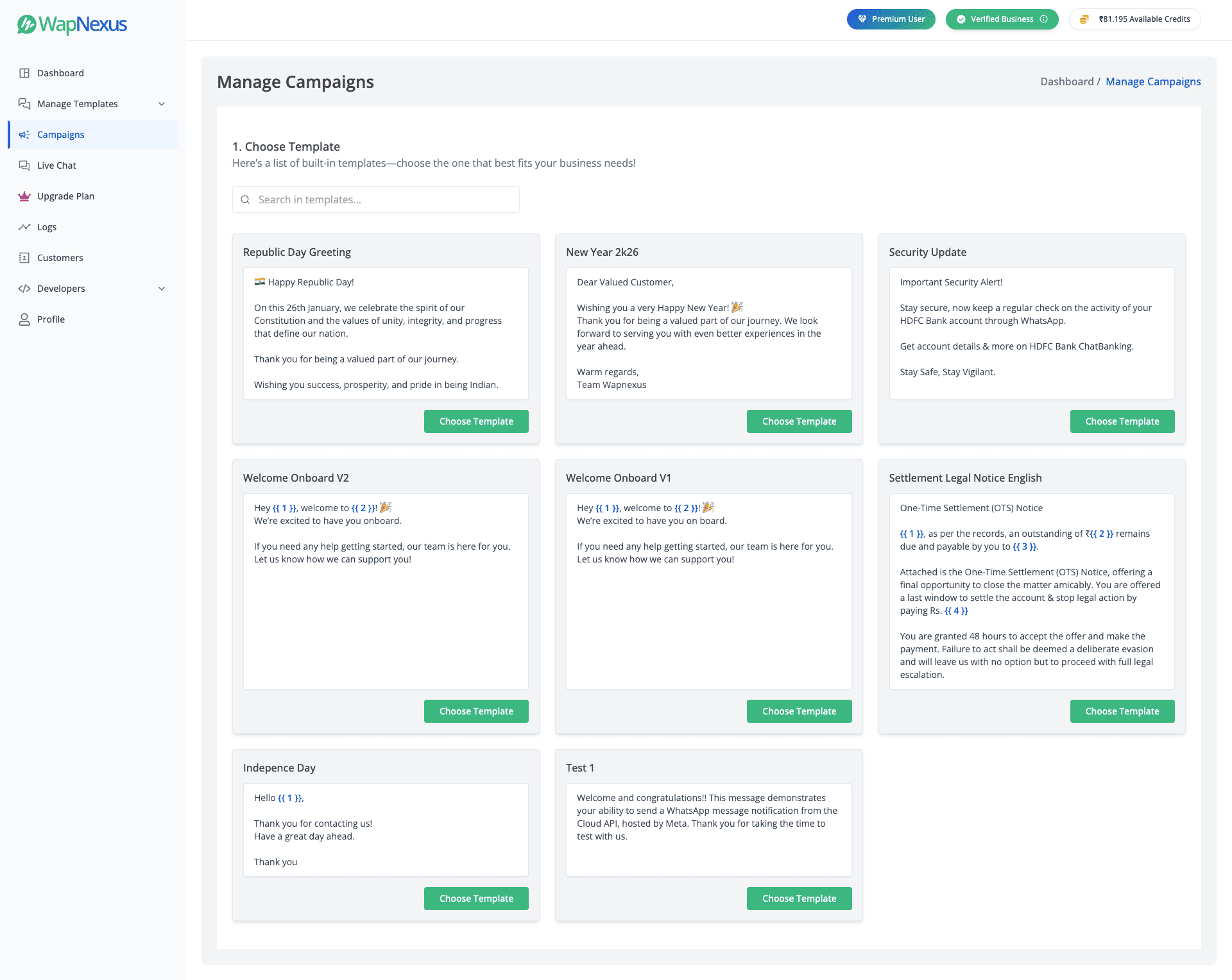
Organize contacts using tags, custom attributes, and real-time behavior so each message reaches the right audience.
Use customer attributes and behavioral triggers to automate relevant messages across your audience.
Combine carousels, media, and interactive buttons to guide customers toward the next action.
Launch your campaigns in minutes with our streamlined three-step workflow.
Expand your reach with ease
Craft high-impact messaging
Scalable targeting with pinpoint accuracy
Support centre
Answers about broadcast setup, targeting, templates, compliance, replies, and campaign reporting.
WapNexus uses the official WhatsApp Business API to help businesses send approved campaign messages to opted-in contacts at scale. You can manage contacts, select an audience, choose an approved template, schedule or launch the broadcast, and monitor message results from one workspace.
Import or add contacts, then organize them with tags, custom attributes, and campaign engagement data. This lets you create focused audience segments instead of sending every campaign to the same list. Only include customers who have given the appropriate WhatsApp opt-in.
Yes. Approved templates can use supported variables and customer attributes to personalize details such as a recipient’s name, location, offer, or other relevant information. The available fields depend on the data in your contact records and the template approved by Meta.
You can use WhatsApp-approved template formats supported for your account, including text, images, documents, rich media, and action buttons. Carousels and other interactive formats are available when supported by Meta and approved for the selected template.
Business-initiated campaign messages generally require a Meta-approved template, especially outside the active customer-service window. Your audience must also have the appropriate opt-in, and every campaign remains subject to Meta’s messaging and commerce policies.
Yes. Replies appear in the WapNexus Live Chat workspace so your team can continue the conversation. Any follow-up messages remain subject to Meta’s current customer-service window and template rules.
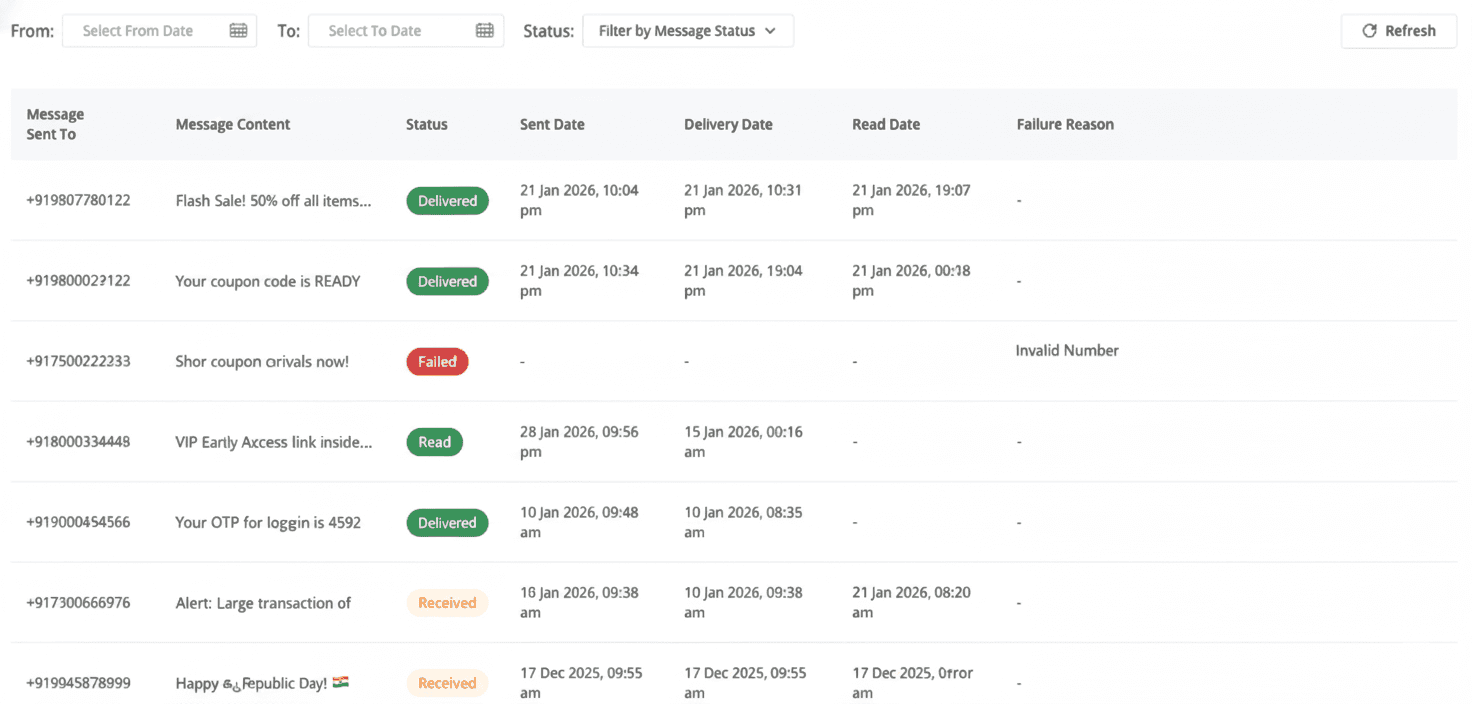
WapNexus reports message statuses supplied by WhatsApp, including sent, delivered, read, and failed. You can use these results to compare campaign performance, identify delivery issues, and create follow-up audience segments based on engagement.
Sending capacity and delivery depend on Meta’s current messaging limits, template status, customer opt-ins, and phone-number quality rating. WapNexus helps you manage the campaign workflow, but it cannot bypass restrictions applied by WhatsApp or Meta.