
Unlimited contact management
Add leads and customers without contact limits, then reach selected audiences with approved broadcast messages.
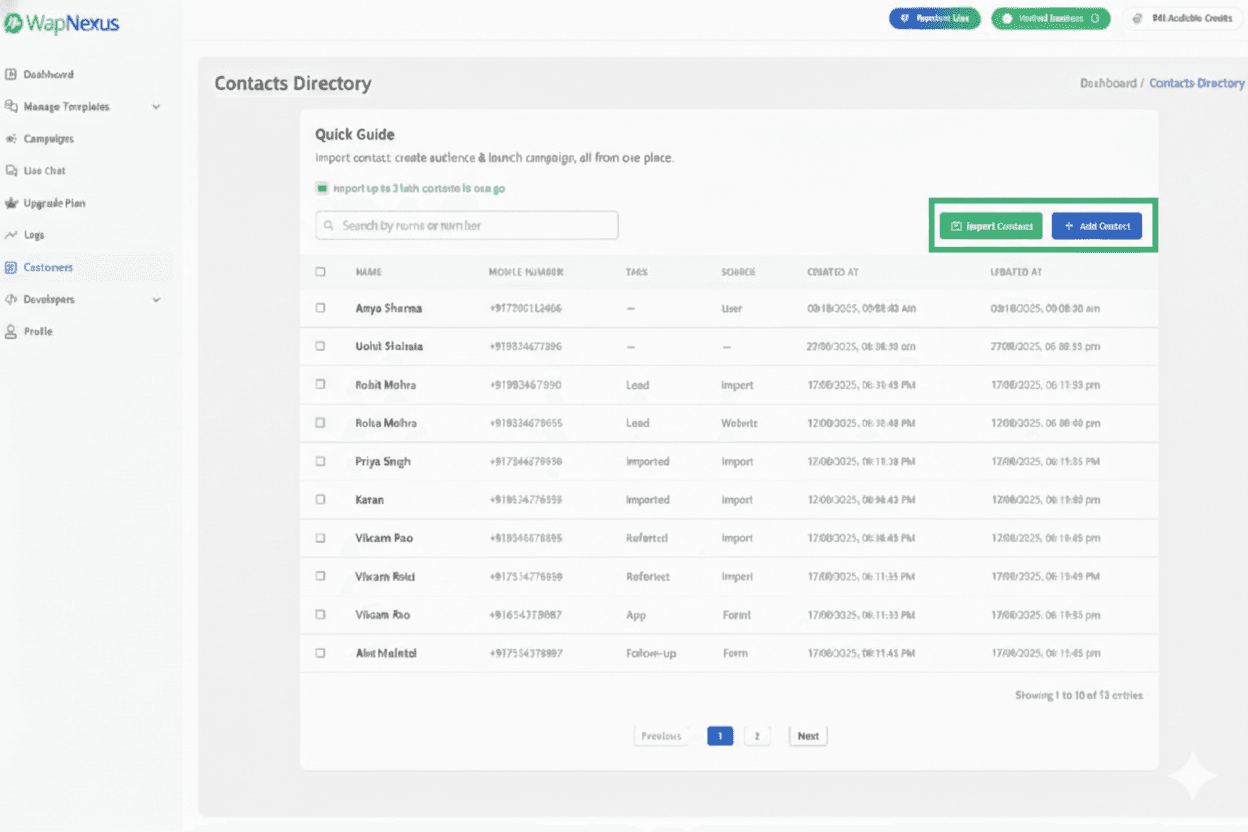
Connect campaigns, approved message templates, contacts, team conversations, automation, and integrations through one WapNexus workspace powered by the official WhatsApp Business API.
Powered by Official WhatsApp Business API

Broadcasting toolkit
Improve campaign efficiency, engagement, and results with a workflow designed for scale.
Add leads and customers without contact limits, then reach selected audiences with approved broadcast messages.
Choose verified templates or submit custom designs for approval to keep outreach compliant and effective.
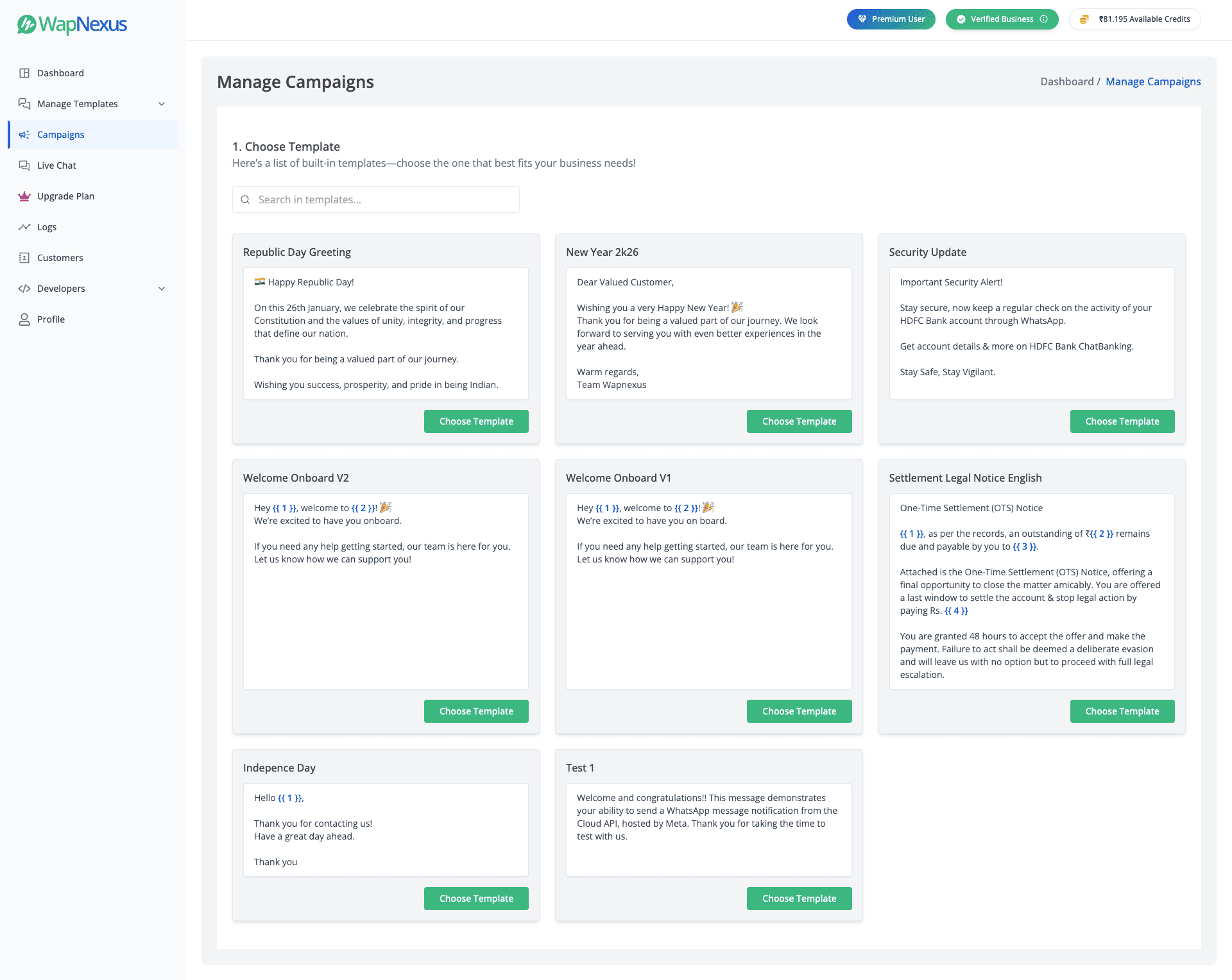
Organize contacts using tags, custom attributes, and real-time behavior so each message reaches the right audience.
Use customer attributes and behavioral triggers to automate relevant messages across your audience.
Combine carousels, media, and interactive buttons to guide customers toward the next action.
Launch your campaigns in minutes with our streamlined three-step workflow.
Expand your reach with ease
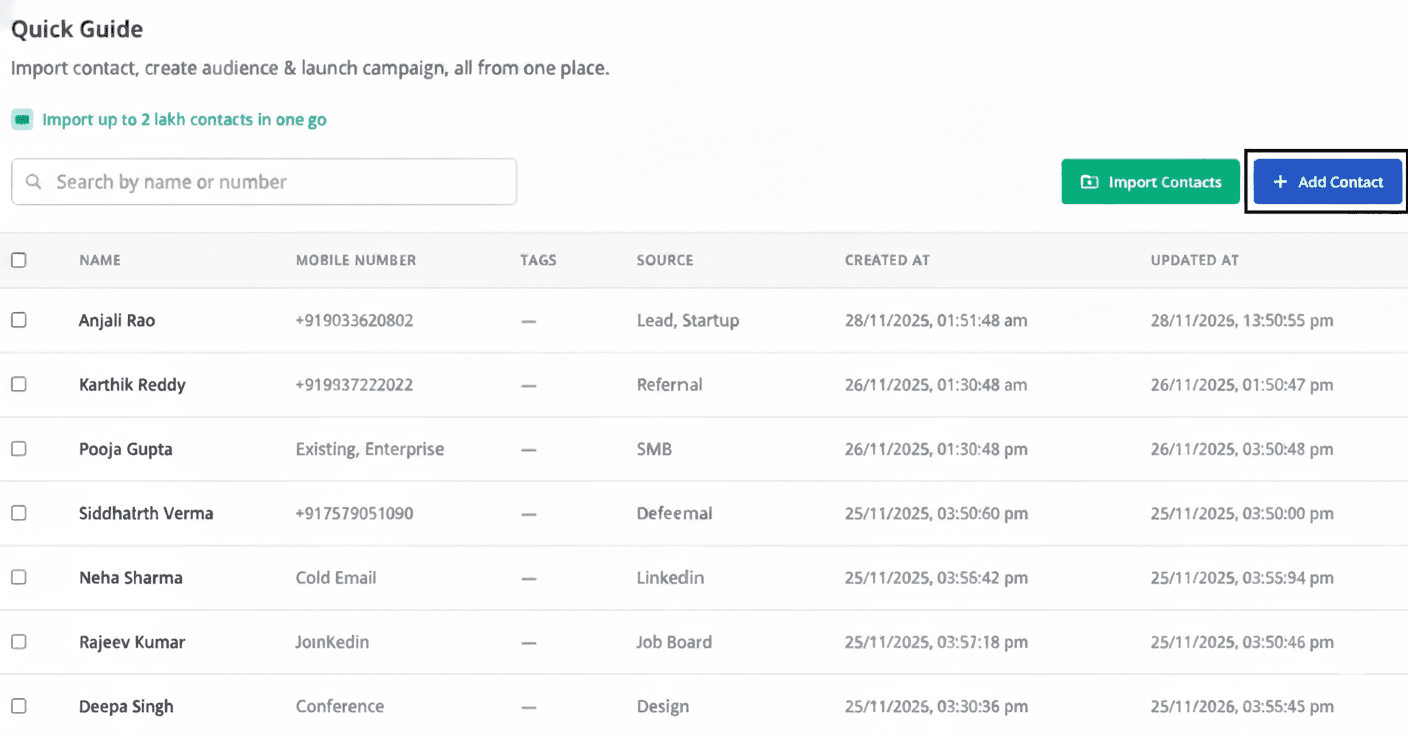
Craft high-impact messaging
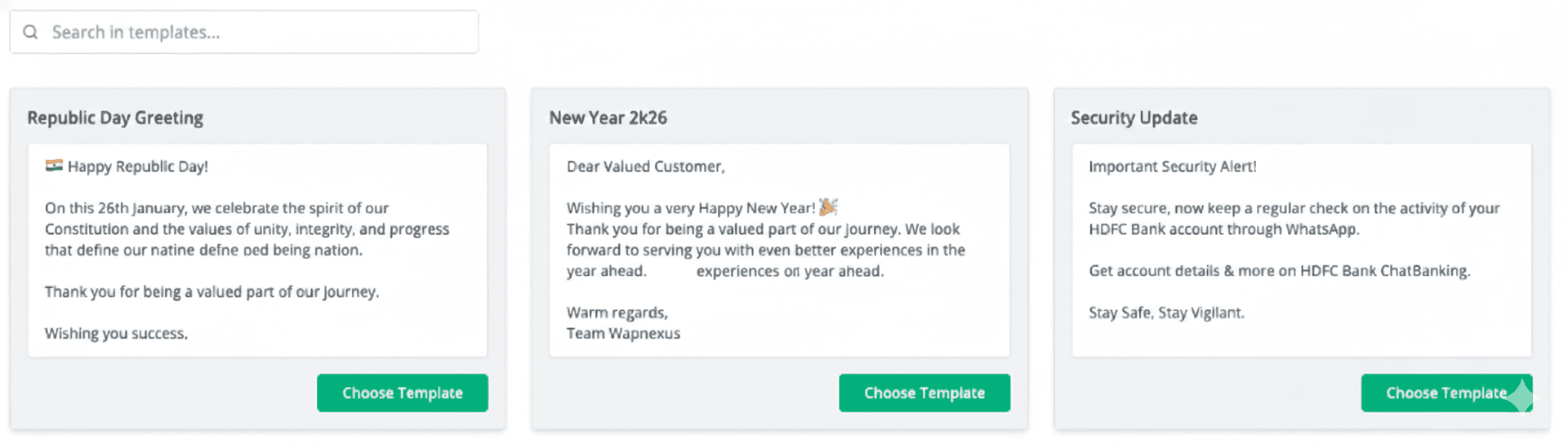
Scalable targeting with pinpoint accuracy
One connected workspace
Bring marketing, CRM, and customer support together in one place.
Enable multiple human agents to support customers on the same WhatsApp number.
Learn moreBuild WhatsApp chatbots with a drag-and-drop interface that requires no coding expertise.
Learn moreSegment audiences and rebroadcast relevant campaigns to improve conversions.
Learn moreSchedule broadcasts up to two months ahead across different time zones.
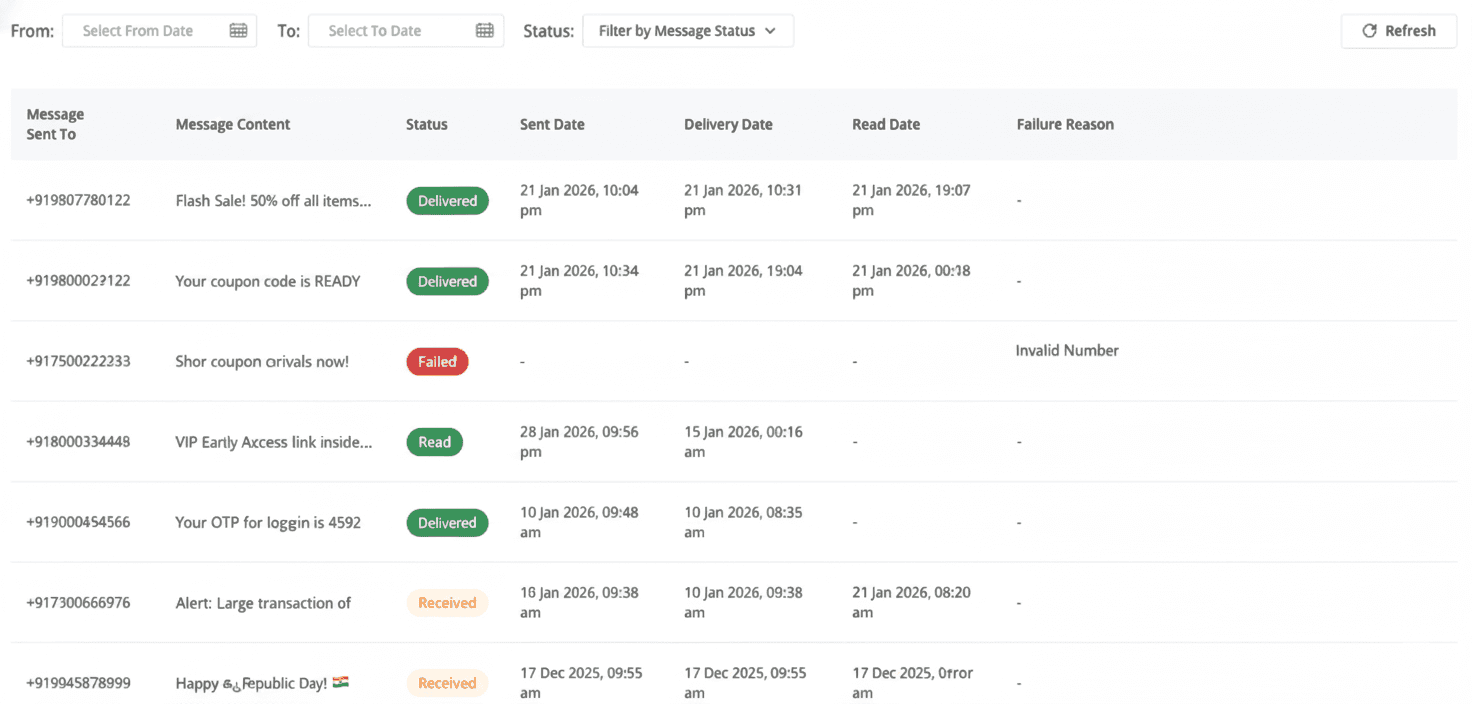
Learn moreTrack contacts who click your message CTA buttons and use those insights for follow-up.
Learn moreMove leads from an ad directly into a WhatsApp conversation with your team.
Learn moreLoad web pages inside WhatsApp and keep customers in a focused journey.
Learn moreCapture leads, book appointments, and collect feedback with native forms.
Learn moreSupport centre
Answers about onboarding, existing numbers, templates, team access, integrations, migration, and Meta limits.
WapNexus adds a business-friendly workspace for campaigns, approved templates, contacts, shared customer conversations, automation, analytics, and supported integrations on top of the official WhatsApp Business API.
Many eligible existing numbers can be connected or migrated, but the supported path depends on the number’s current registration and the onboarding options available from Meta. WapNexus support can review the setup before you make changes.
Onboarding typically requires access to the relevant Meta business, WhatsApp account, and a phone number that can complete verification. Meta may also review the business, display name, phone number, and message templates before all features become available.
Yes. WapNexus provides a shared Live Chat workspace so authorized team members can manage customer conversations together rather than relying on a single phone.
WapNexus includes Template Message APIs and supports integrations with external systems. Available endpoints, webhook events, and plan access depend on the workflow, so confirm the technical requirements with the support team before building.
Business-initiated messages generally use templates reviewed by Meta. WapNexus helps you create, organize, and send approved templates, while Meta continues to control template status, messaging windows, account quality, and policy enforcement.
Migration is often possible when you control the Meta business, WhatsApp account, phone number, and required security settings. Templates, message history, and provider-specific data may not transfer automatically, so the migration should be reviewed before it begins.
Activation can depend on Meta’s review of your business, display name, phone number, and templates. Sending limits can also vary with account status, customer opt-ins, message quality, and Meta’s current policies.